Keeping VR smooth while diving into heavy BIM models — here’s how we do it.
When we first started rendering highly detailed models, some objects — like reinforced bars in concrete slabs — created serious lag. Tons of high-poly cylinders piling up can really slow down your experience. But do we really need that level of detail to understand the model? Not always.
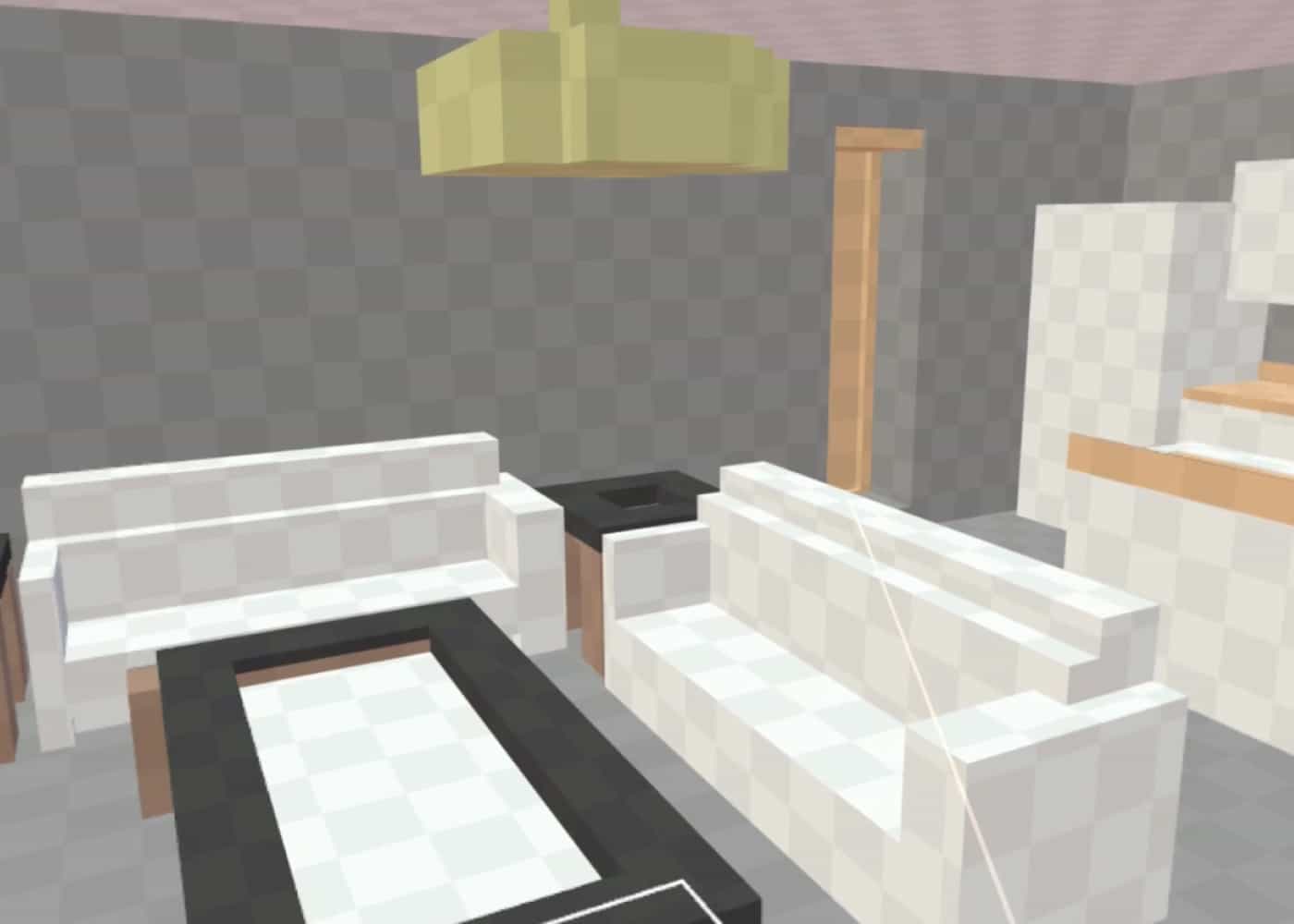
Our new placeholder visualization lets you display complex objects in simplified shapes — square blocks instead of full cylinders. This keeps the system happy while you navigate comfortably through your model, without losing meaningful context.
It’s a small feature with a big impact: smoother rendering, easier browsing, and a better VR experience for the team.
Check out the video to see it in action and try it yourself on a free BIM VR demo — it’s fun to play with!