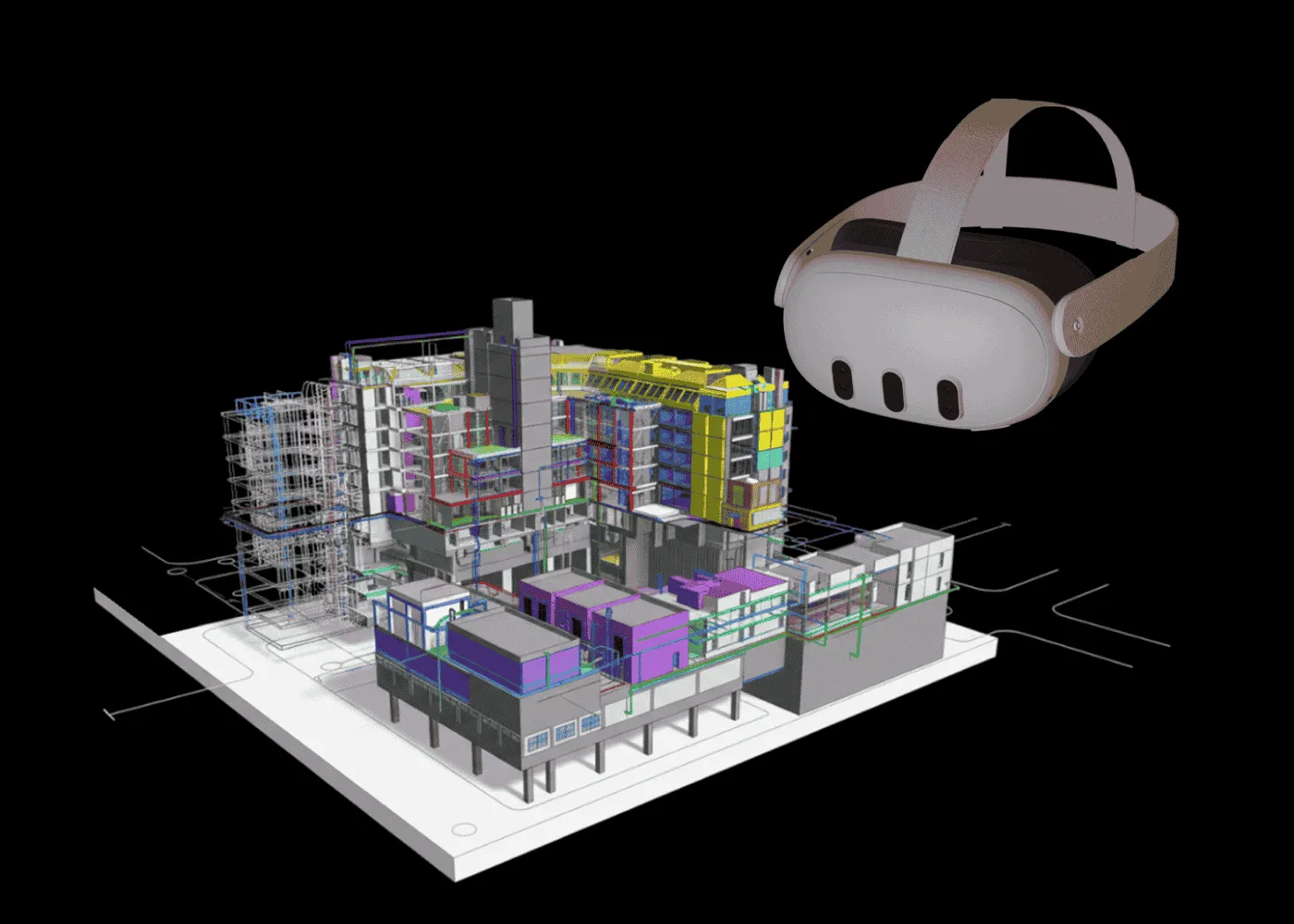
What do you actually need to launch Dream Booth XR?
Let’s break it down using our project for UTECH as an example.
- Content.
UTECH provided us with 3D models of their products. Our team optimized them for XR: we improved performance, added materials, textures, and fine details to achieve a realistic and smooth experience.
If you don’t have 3D models yet, that’s not a blocker. We can create them from scratch.
- Hardware.
After testing multiple options, we chose Meta Quest 3 and Pico 4 Ultra — both offer a high-quality mixed reality experience and are well-suited for trade shows and demos.
- Network setup.
An internet connection is required only once — to download the scenes and configurations. After that, the booth works fully offline. This is a key advantage for trade shows, where stable internet access can’t always be guaranteed.
That’s it. No complex infrastructure, no oversized booths — just an immersive XR demo that’s easy to launch and easy to scale.
See how it works in the full case study → https://jet.style/portfolio/dreambooth-xr-for-utech