Let’s talk
POCKET COACH
Creating a service for young athletes with mental challenges
Client
Community organisation CDSR Centre (Children’s disabled sports and recreation centre), representing the Special Olympics Movement of the Sverdlovsk region.

Problem
Developing a service with gamification elements, which will help children and teenagers with mental challenges to train at home individually, keep in touch with coaches in a situation of self-isolation caused by the coronavirus epidemic and remain optimistic.
SOLUTION
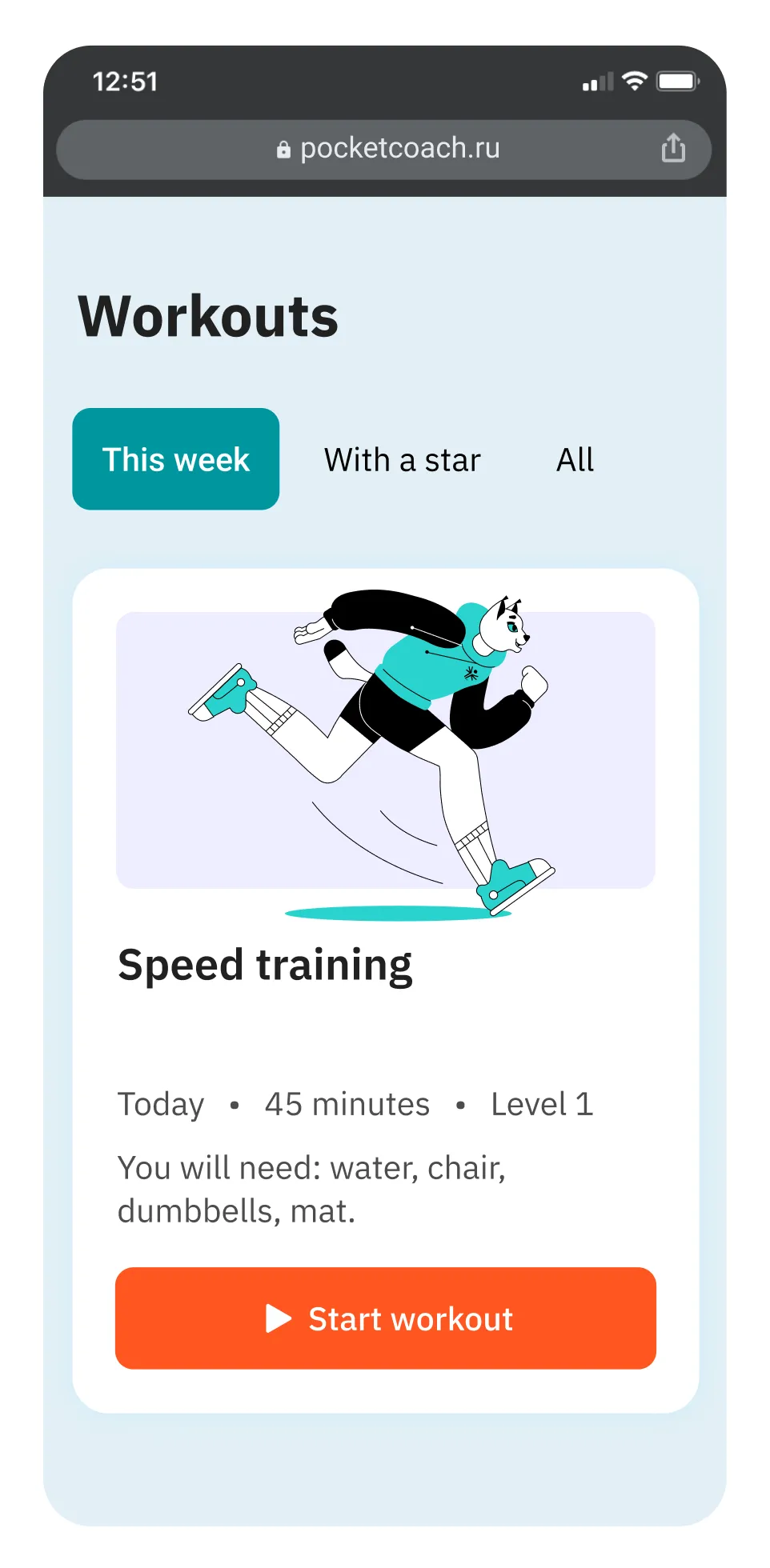
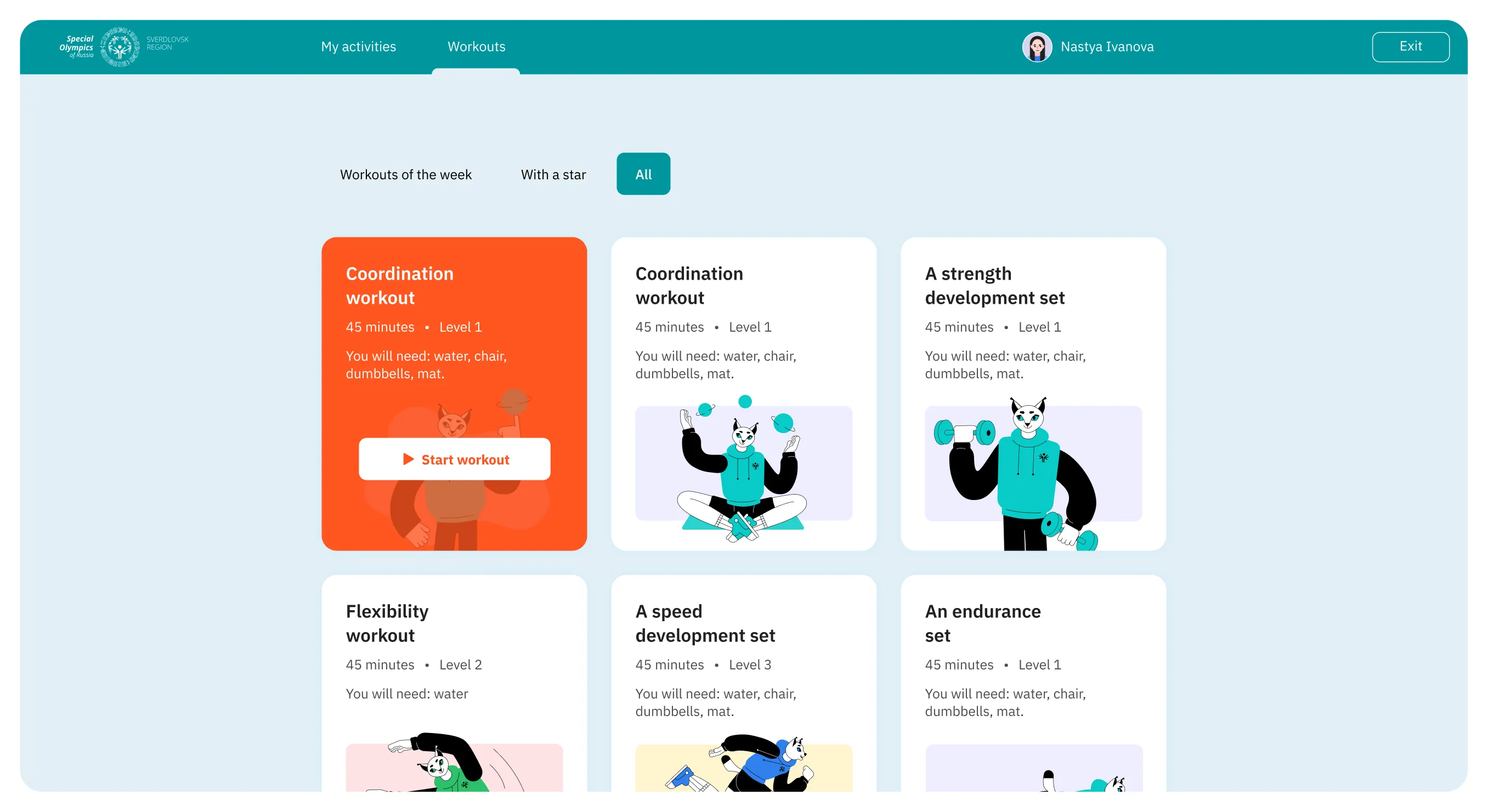
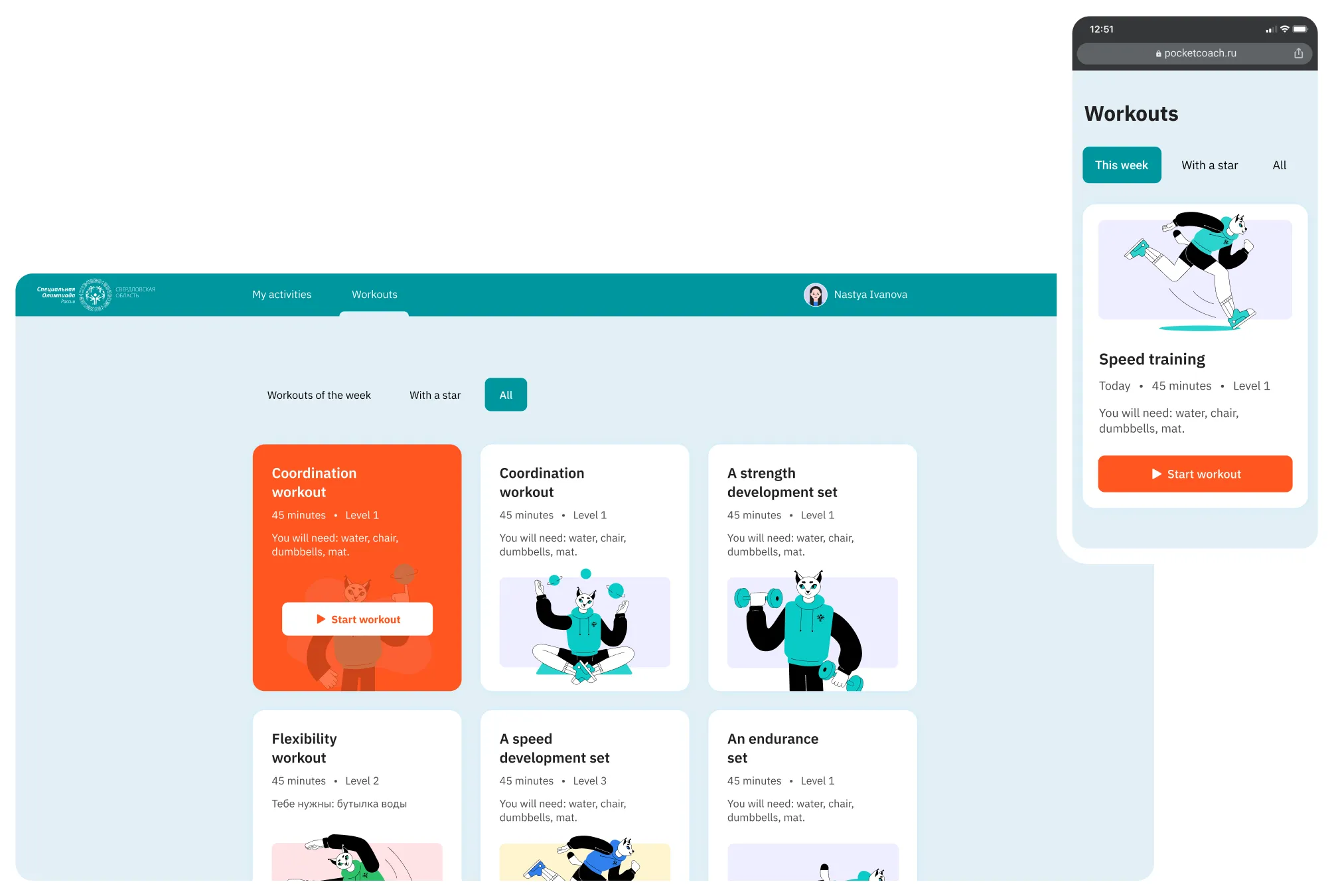
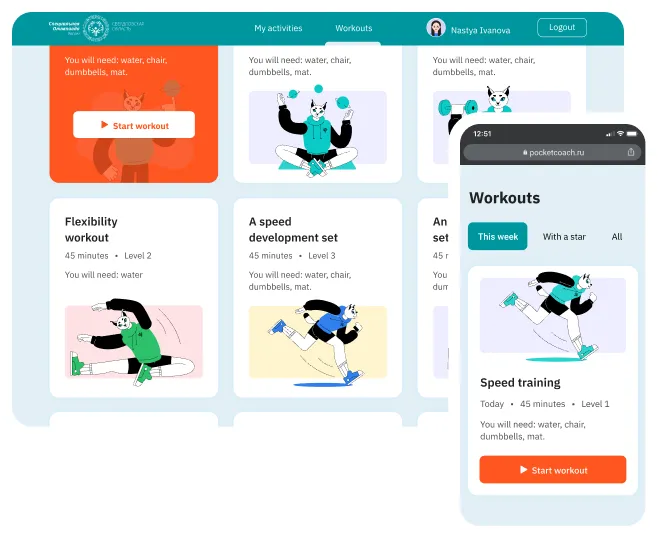
We have developed a responsive site with a user-friendly interface and a cheerful mascot to make it easy for young users to train on any device and to come back to Pocket Coach again and again.
Mobile screen showing a speed training workout plan with an illustration of a running dog character and a start workout button.Webpage showing workout options with titles, durations, levels, needed equipment, and cartoon cat illustrations for each workout.Workout app interface showing various workout options such as coordination, strength development, flexibility, speed, and endurance with details on duration, level, and needed equipment.User interface of a workout app displaying various exercise sets with illustrations of an anthropomorphic cat performing different workouts, including speed training, flexibility, and strength exercises, along with equipment needs and workout durations.

We’ve created a website icon that can be placed on the home screen of the smartphone or the computer. This icon makes entering the site as easy as possible: one tap or click and the young athlete sees their training plan.

THE SIMPLEST UX POSSIBLE
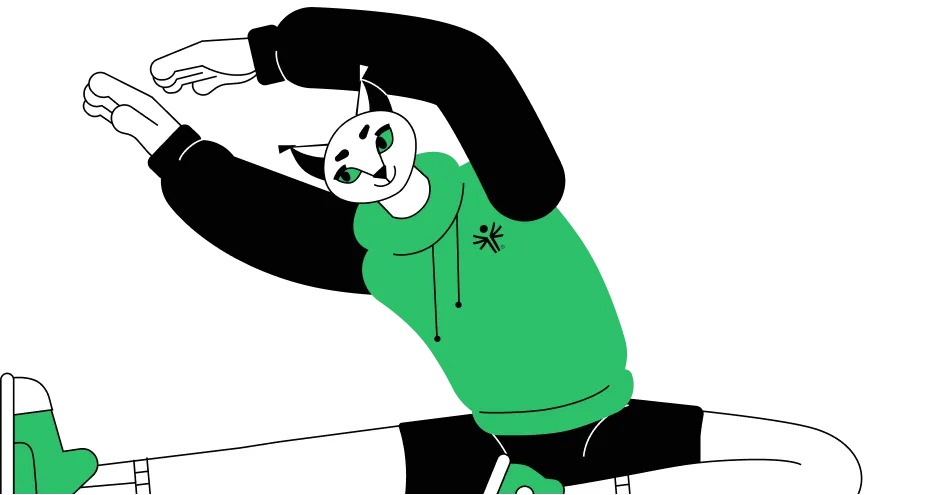
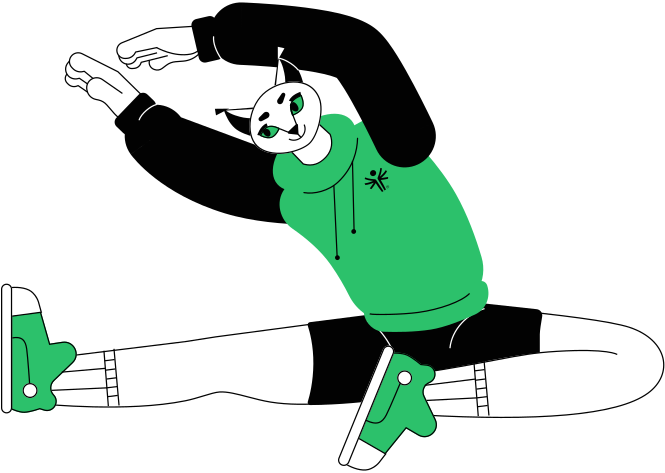
Illustration of a white cat with green eyes wearing a green hoodie, stretching with arms raised and legs spread out.

There can be only one button on the page, bright and with an unambiguous caption, so that the children never face any problems or difficulties using the service at any stage.

CLEAN STYLE

So that nothing distracts a young athlete on the way to the goal — the completion of a personal training plan — we have developed an easy style without overloading animations and excessive graphics.

IBM Plex Sans

We chose the modern grotesque with different variations of lettering for the headings and for the main set font.

MASCOT

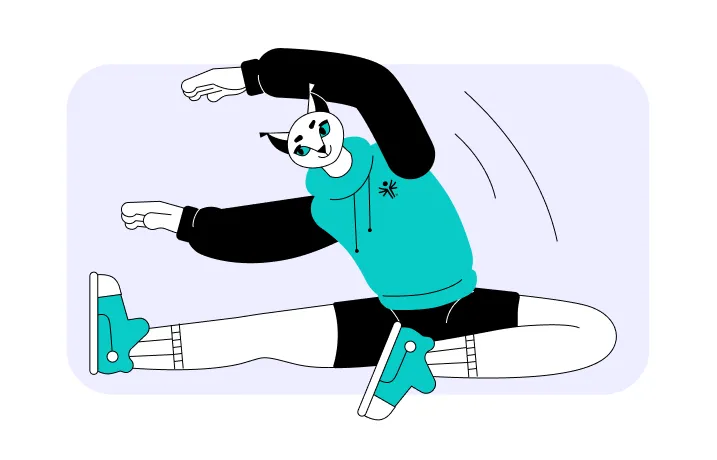
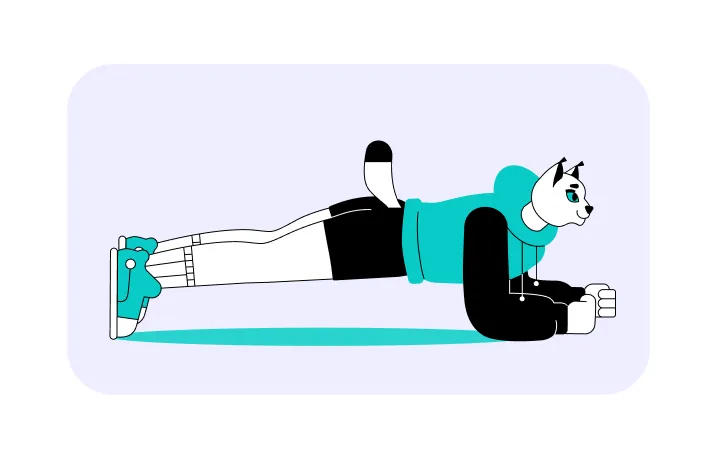
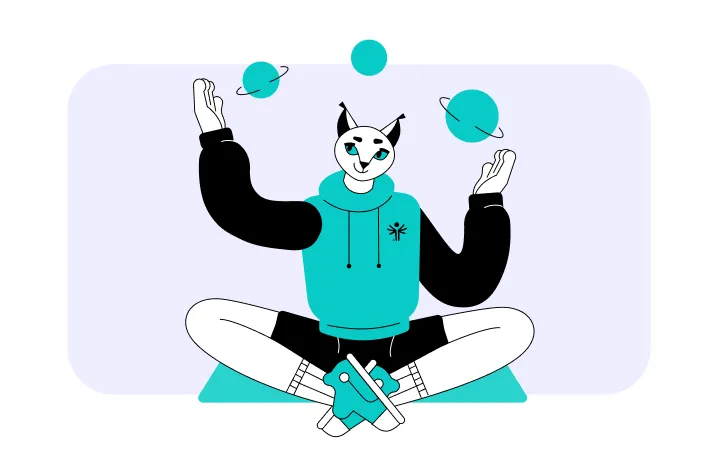
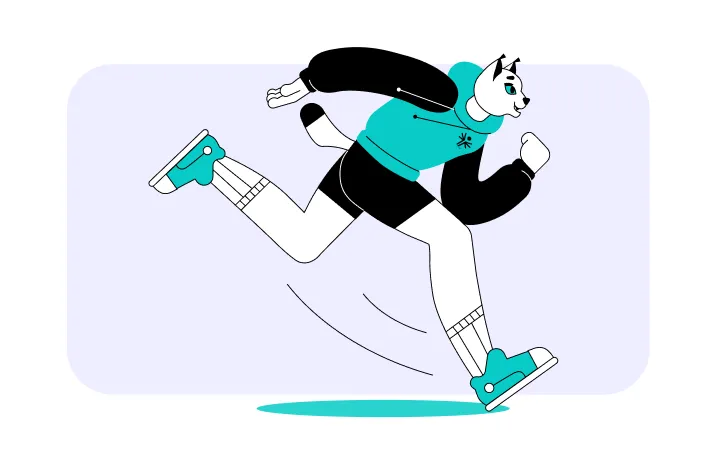
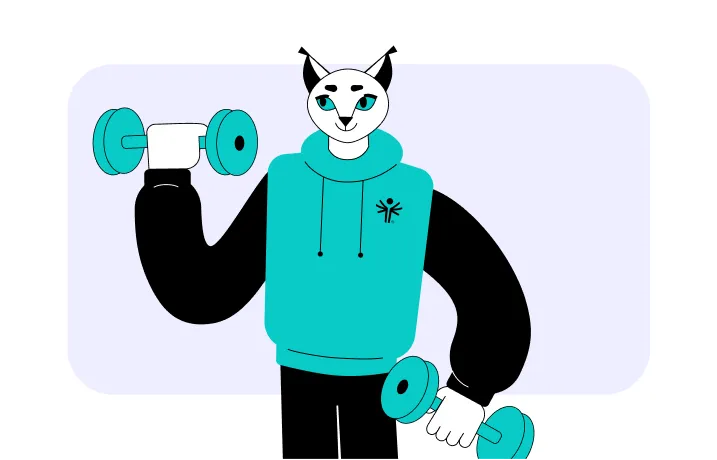
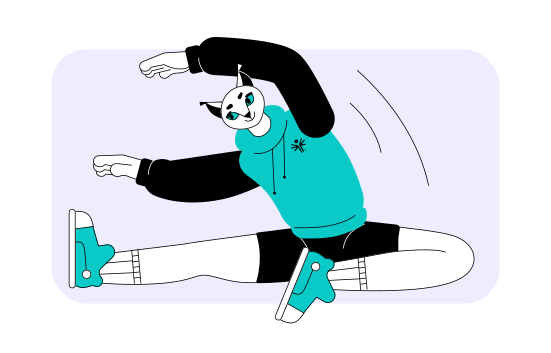
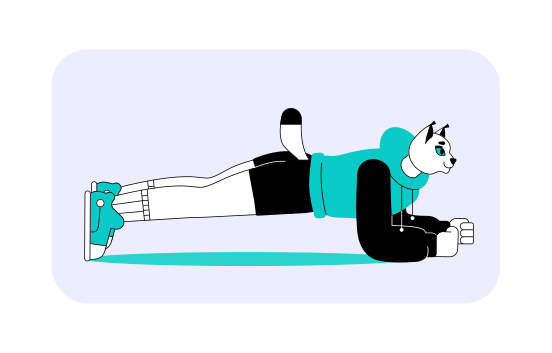
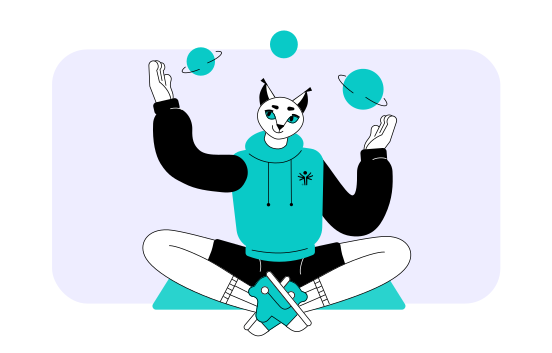
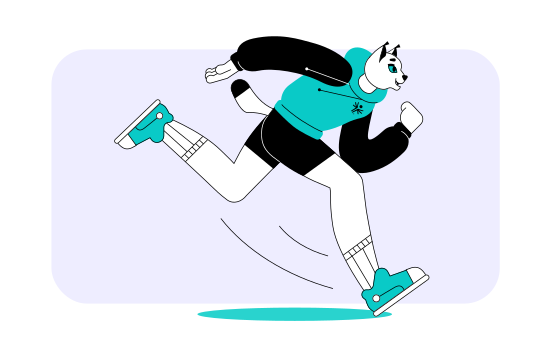
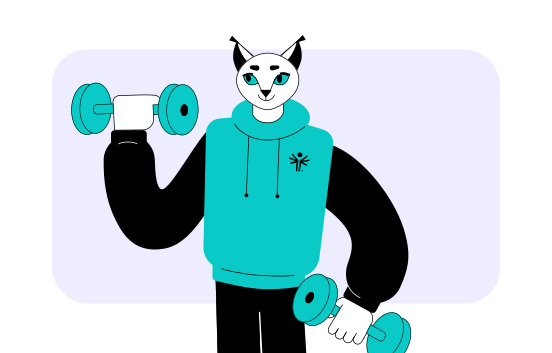
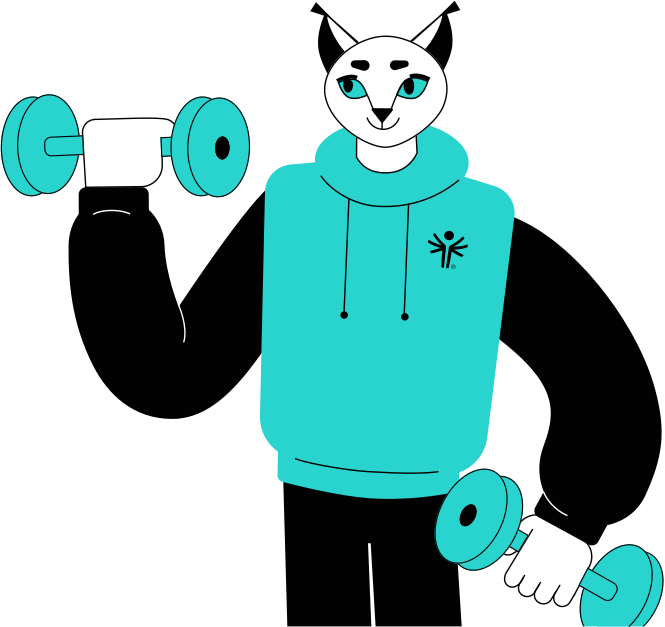
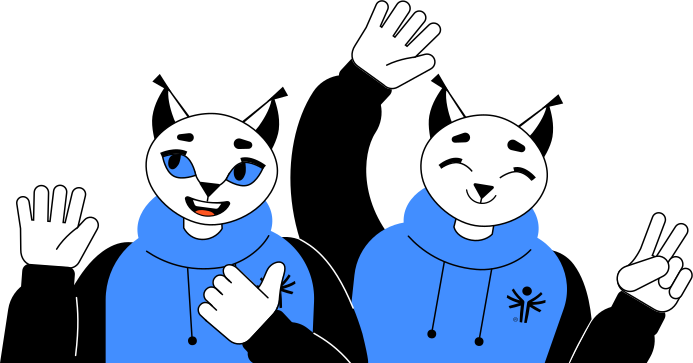
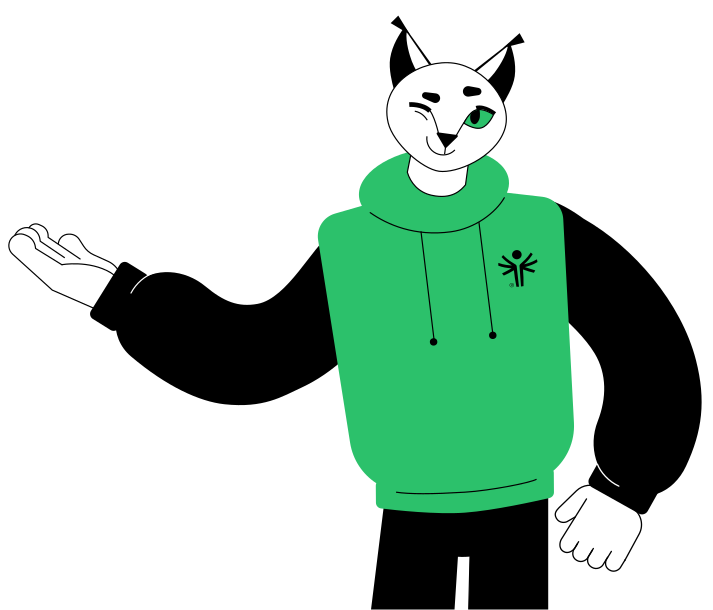
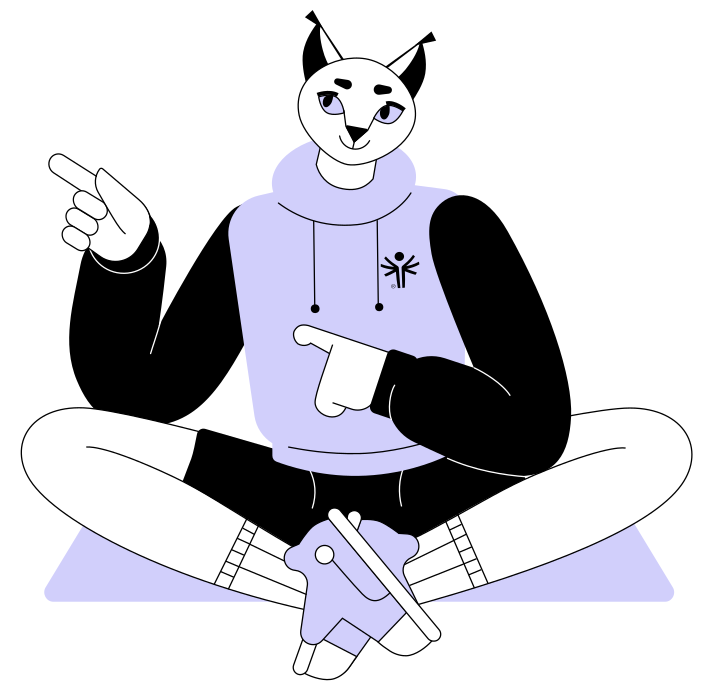
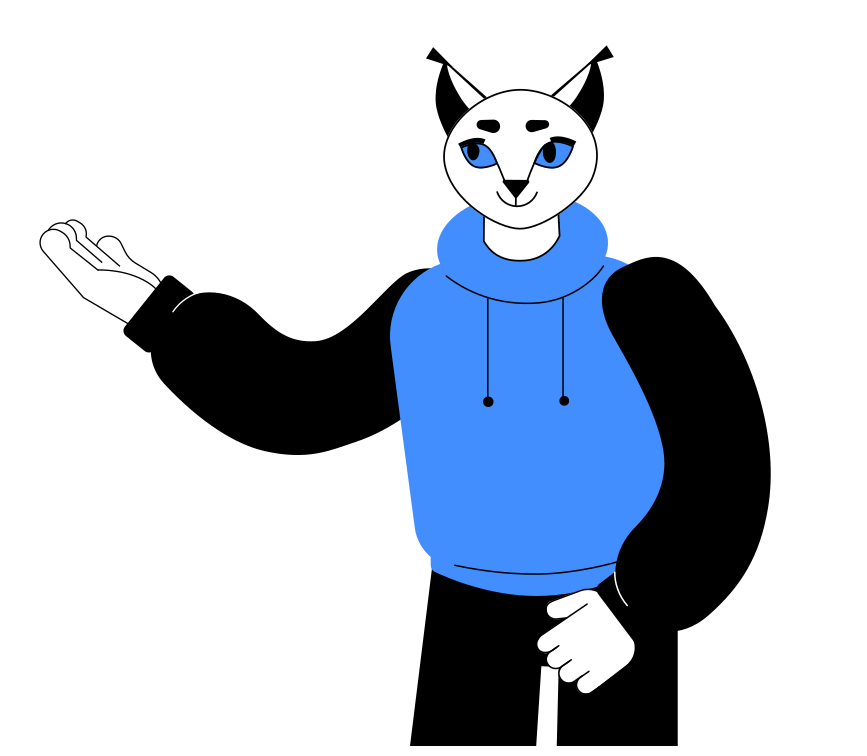
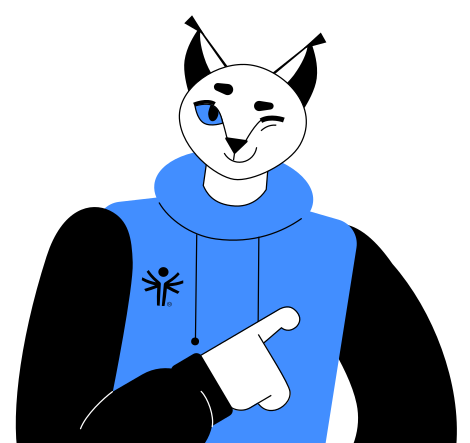
In each section, a user is accompanied by the mascot character. The Lynx helps athletes and coaches navigate the service: points to buttons, gives hints, and supports users.
Illustration of an anthropomorphic cat character wearing a teal hoodie and sneakers, performing a side stretch with one leg extended and arms reaching overhead.
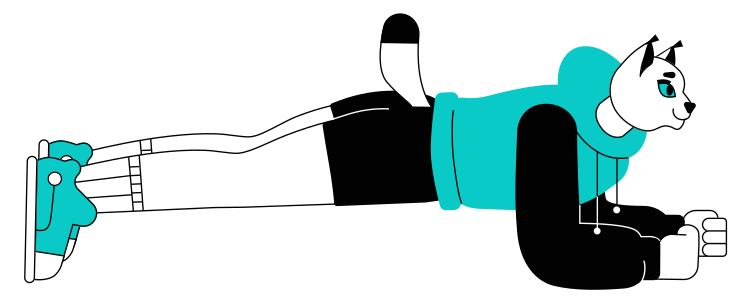
Illustration of a cat character in sportswear holding a plank exercise position.
Cartoon character with cat-like face in a hoodie sitting cross-legged and juggling three planets.
Illustration of a humanoid cat character running, wearing teal sneakers, a teal and black jacket, black shorts, and white socks.
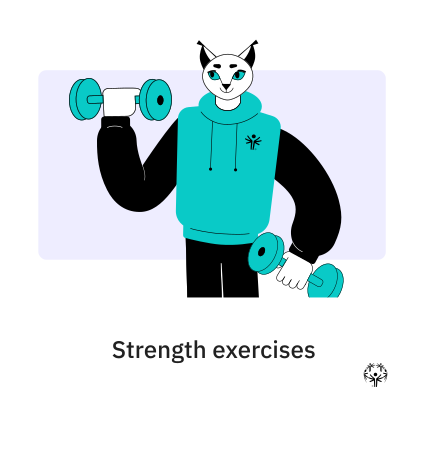
Illustration of an anthropomorphic lynx character wearing a teal hoodie and lifting teal dumbbells with both hands.
USER PROFILE OF A COACH
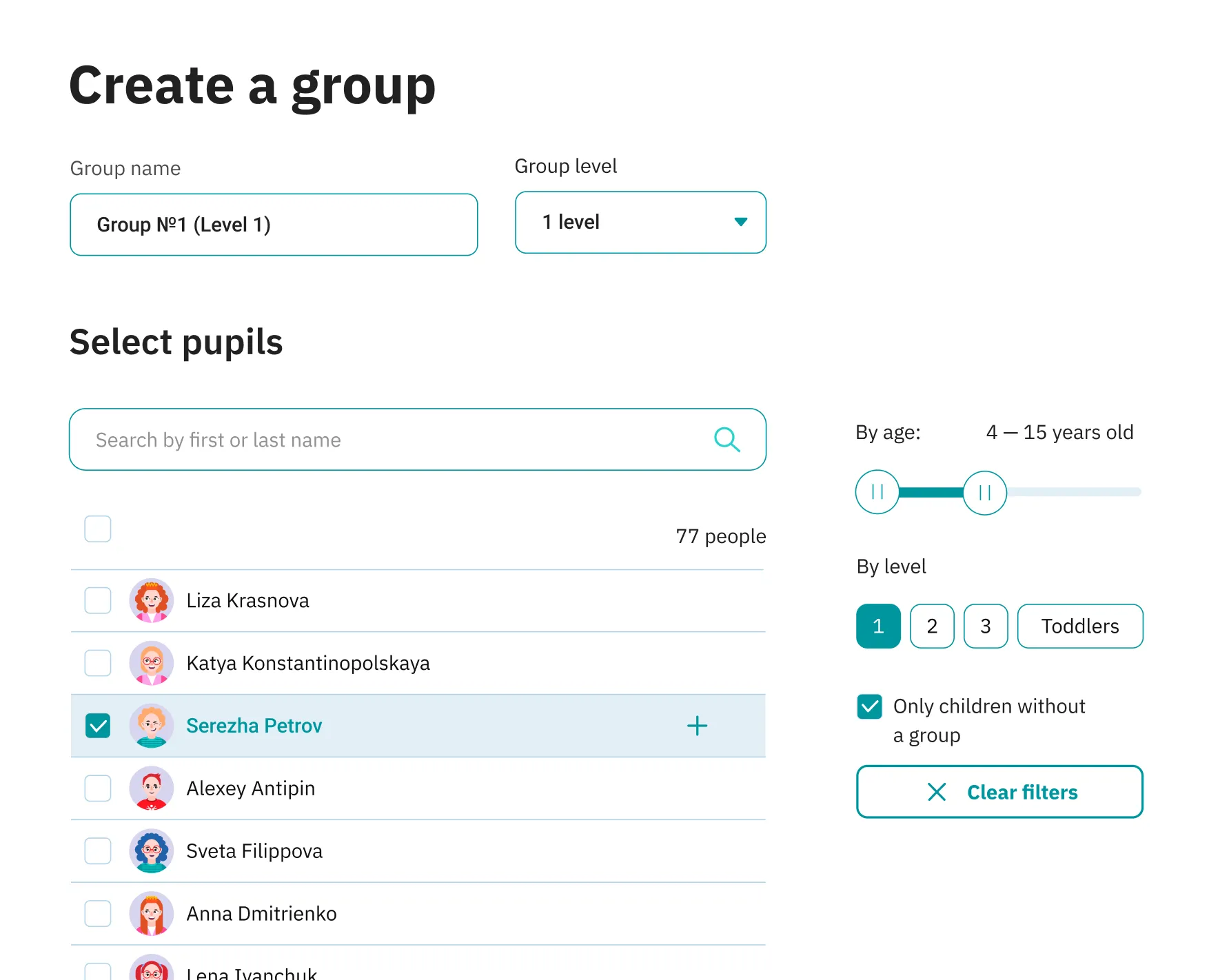
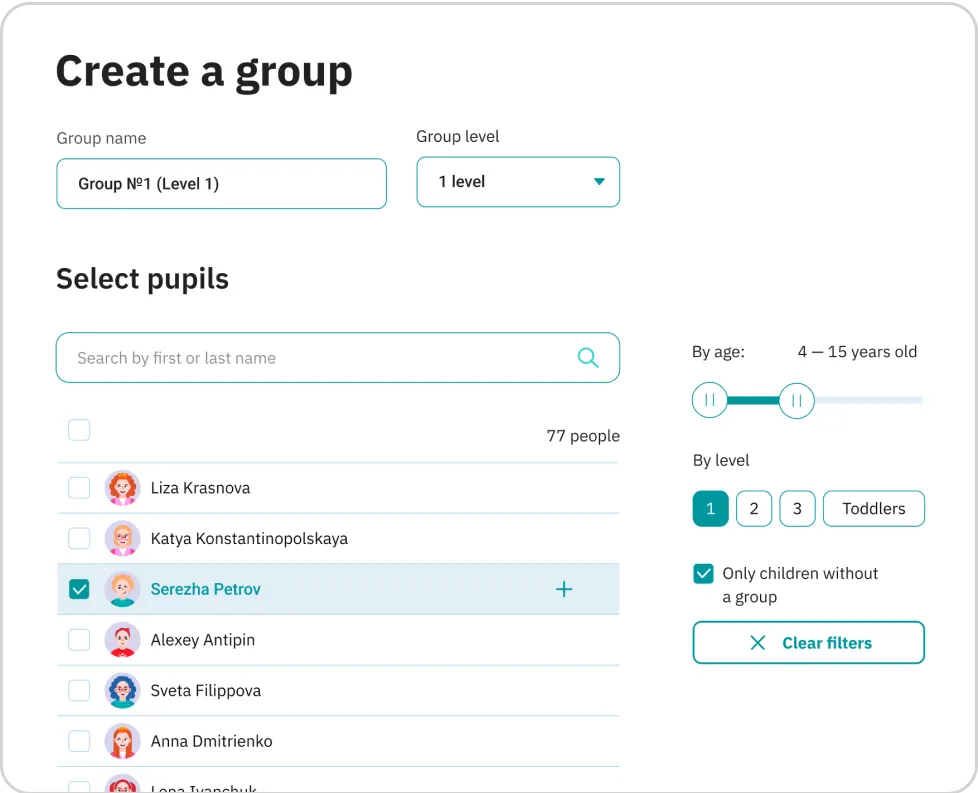
User interface for creating a group named 'Group Nº1 (Level 1)' with group level set to 1 level, showing a list of pupils to select, with 'Serezha Petrov' checked, and filters by age 4 to 15 years and level 1 applied.

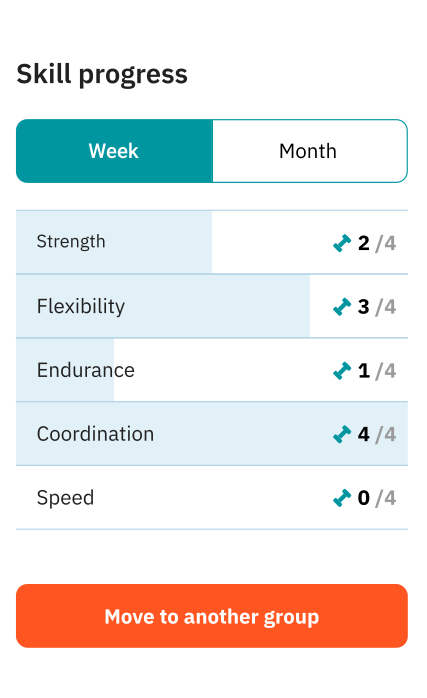
The coach monitors the group progress and each child individually as well — by checking out the number of completed workouts and feedback on the pupil’s page.

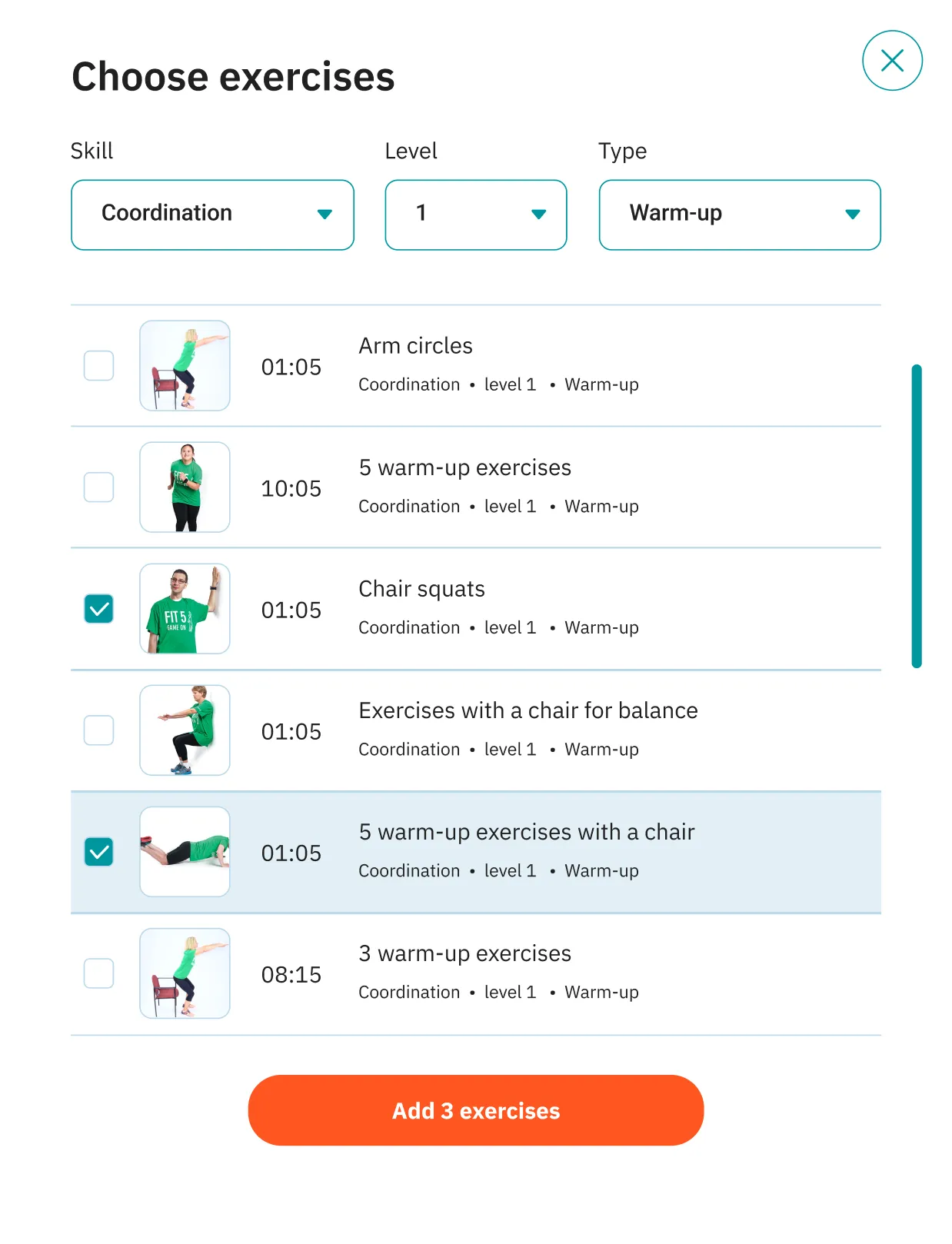
The coach gets access to the training materials library: a set of exercises and pre-made workouts for developing individual skills. If necessary, they create new workouts in the workout builder, taking into account the goals and needs of a particular group of children.

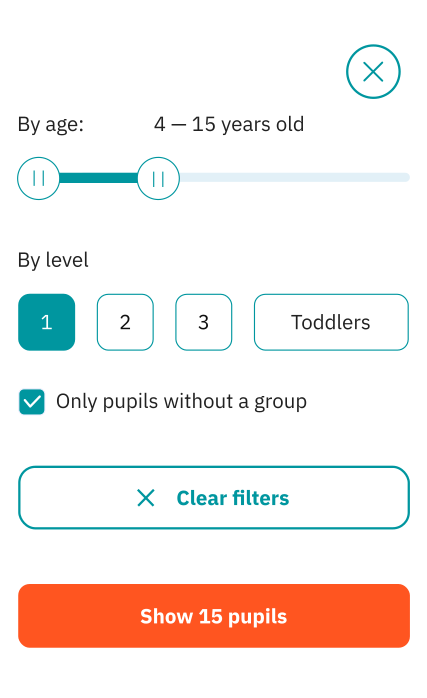
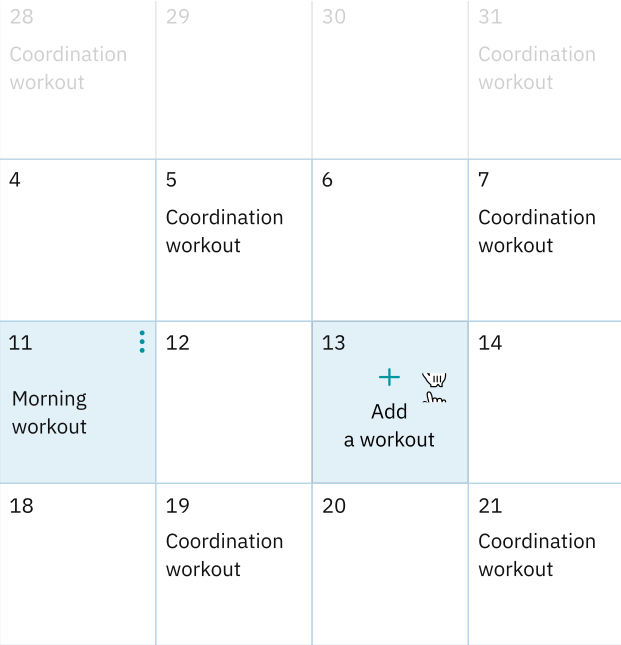
A coach creates children’s accounts, combines groups by age and fitness level, and schedules workouts.

User interface for creating a group with fields for group name and level, a searchable list of pupils with checkboxes, age and level filters, and an option to show only children without a group.
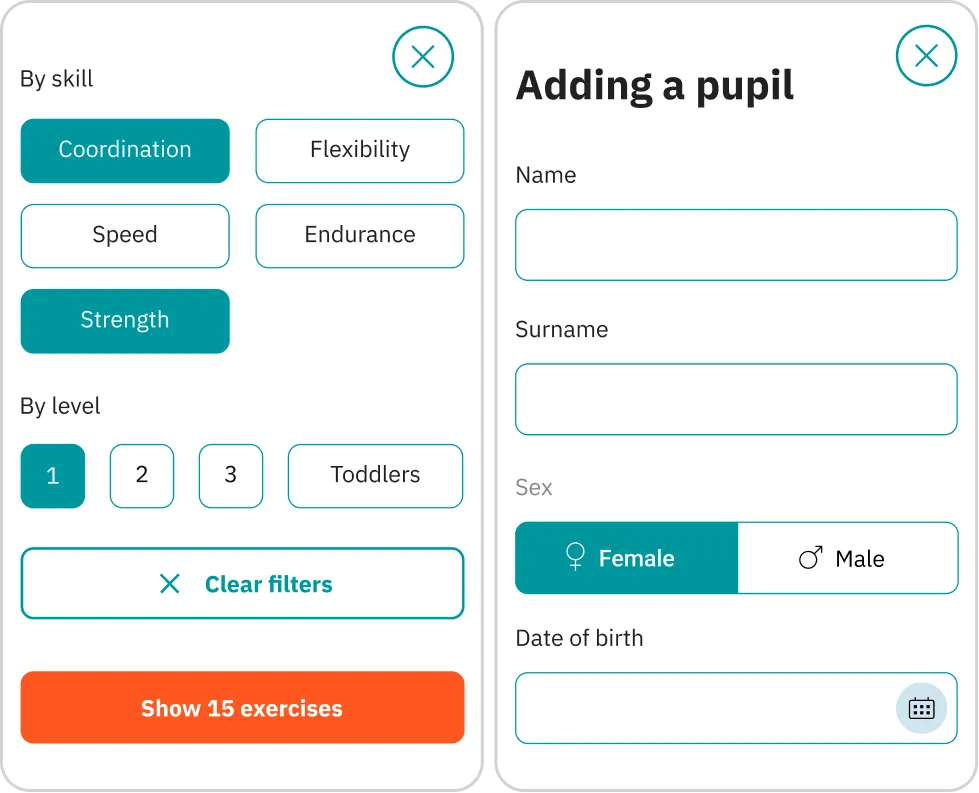
Two app interface panels: left panel offers filters by skill and level with selected Coordination and Strength skills and level 1; right panel is a form to add a pupil with fields for name, surname, sex selection with Female selected, and date of birth.
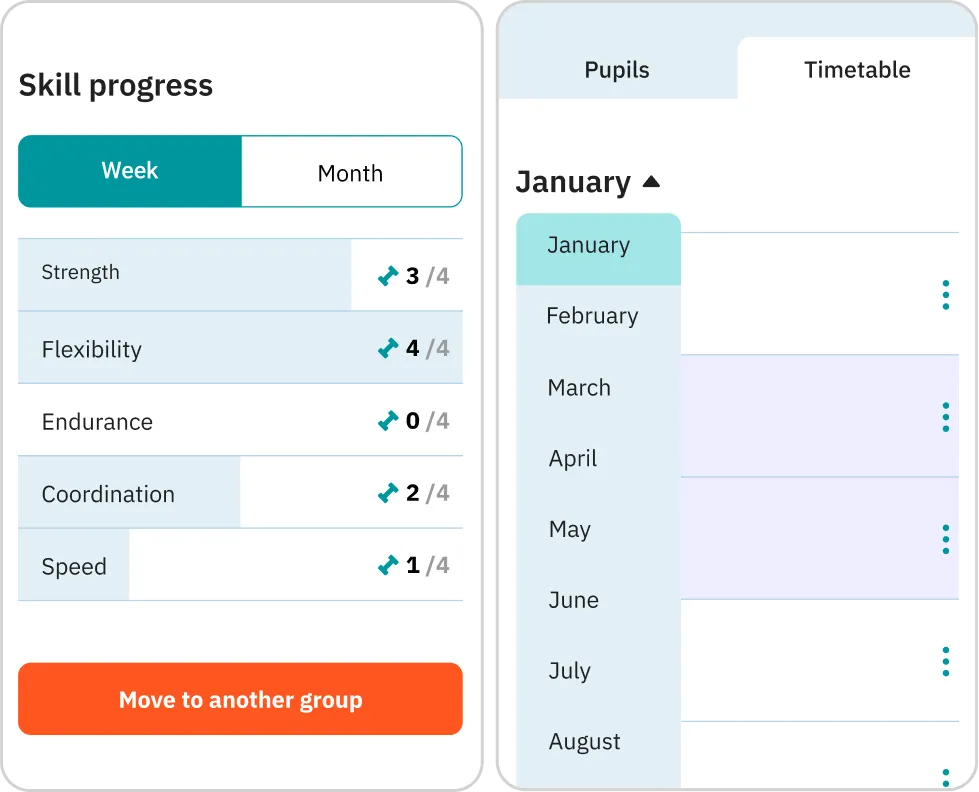
Skill progress panel showing weekly scores for Strength 3/4, Flexibility 4/4, Endurance 0/4, Coordination 2/4, Speed 1/4, with a button labeled Move to another group; alongside a timetable panel with months January through August, January selected.

The coach monitors the group progress and each child individually as well – by checking out the number of completed workouts and feedback on the pupil's page.

Exercise selection menu showing coordination warm-up exercises at level 1 with checkboxes for Arm circles, 5 warm-up exercises, Chair squats (checked), Exercises with a chair for balance, 5 warm-up exercises with a chair (checked), and 3 warm-up exercises, plus an Add 3 exercises button.
USER PROFILE OF A YOUNG ATHLETE
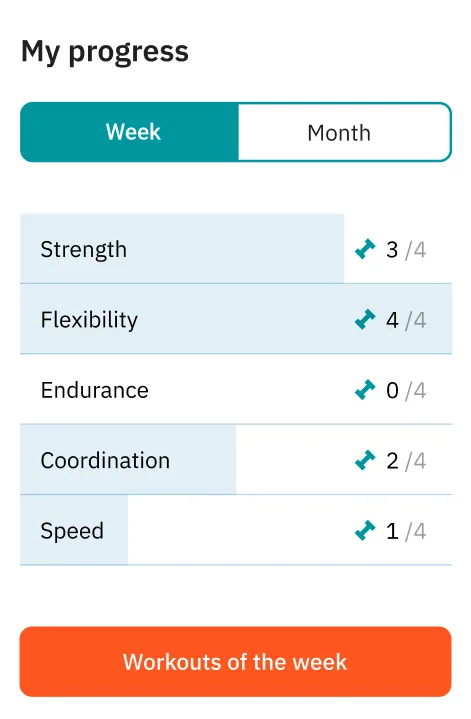
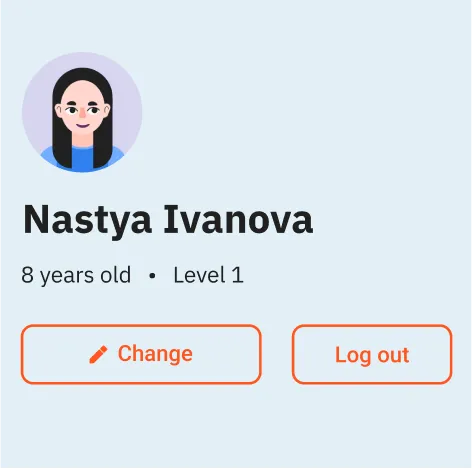
User profile card with avatar of a woman with long black hair, named Nastya Ivanova, showing age 8 years and Level 1, with Change and Log out buttons below.Workout progress for the week showing strength 3 out of 4, flexibility 4 out of 4, endurance 0 out of 4, coordination 2 out of 4, and speed 1 out of 4, with a button labeled Workouts of the week.
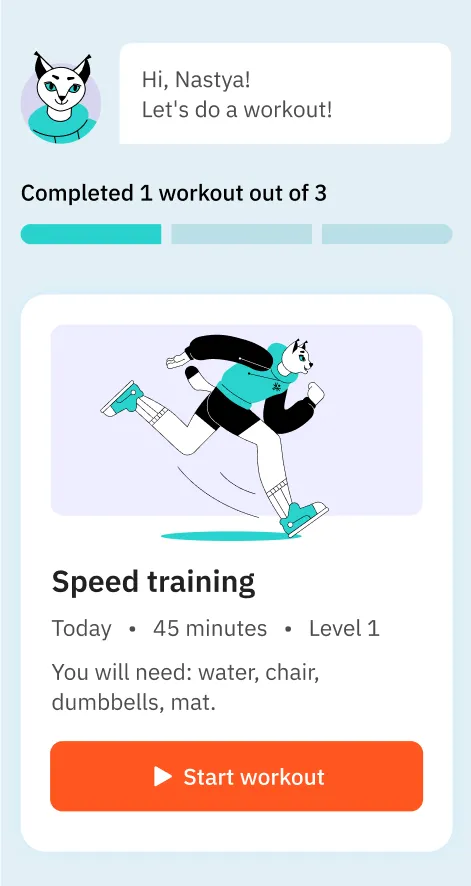
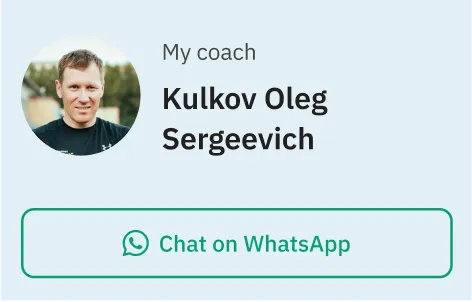
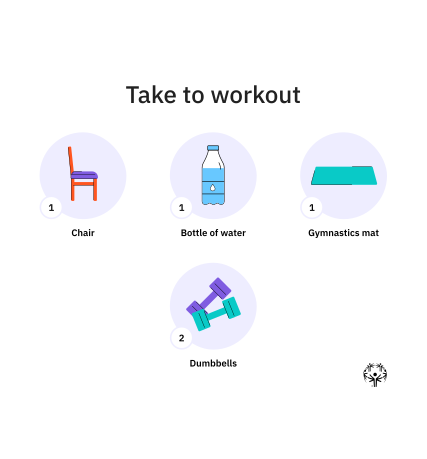
Workout app greeting user Nastya with progress bar showing 1 of 3 workouts completed, featuring Speed training session for 45 minutes at Level 1 requiring water, chair, dumbbells, and mat with a Start workout button.Circular photo of a man with short brown hair wearing a dark shirt, labeled as coach Kulkov Oleg Sergeevich above a green WhatsApp chat button.

A child can see what workouts are scheduled for this week, the number of completed and future sessions, and they can start the workout right away.

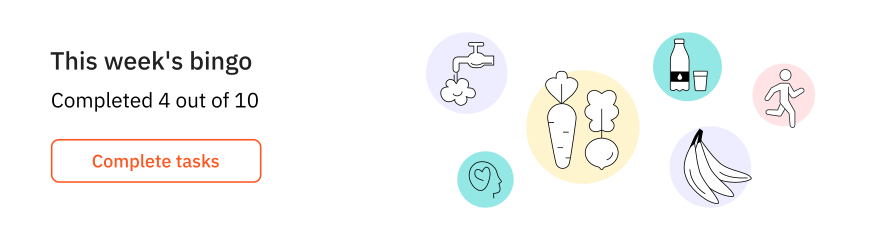
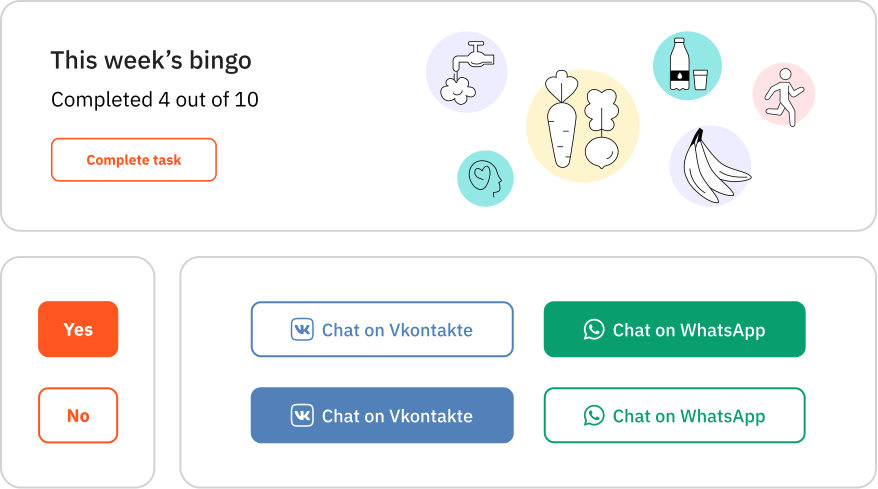
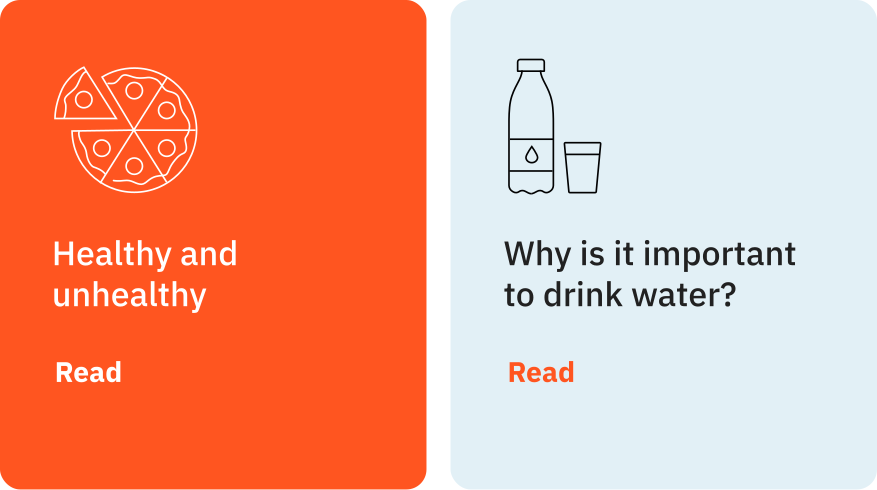
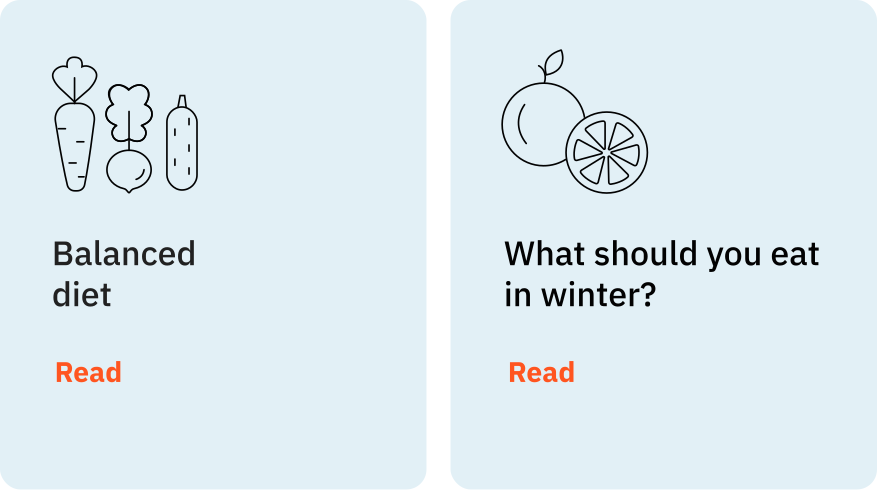
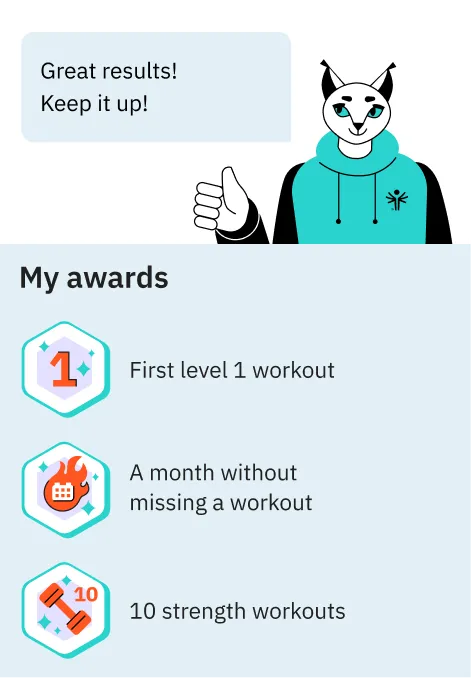
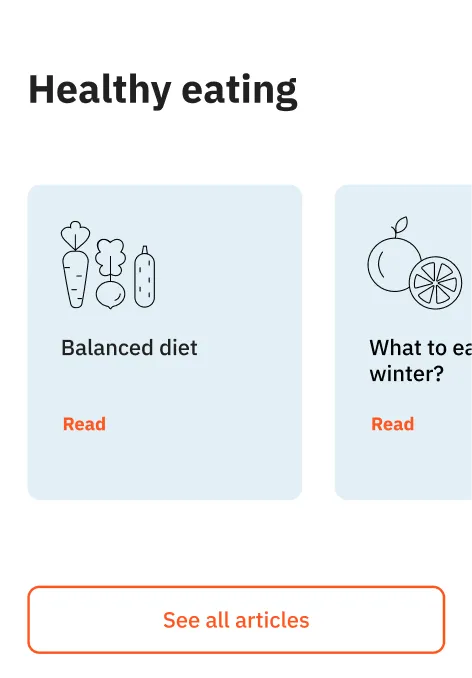
And if they want, they can complete additional tasks, read articles about healthy eating, follow their progress on the awards board, and contact the coach any time.

Illustration of a person in a turquoise hoodie giving a thumbs up with a speech bubble saying 'Great results! Keep it up!' Below, a 'My awards' section lists achievements: first level 1 workout, a month without missing a workout, and 10 strength workouts with corresponding icons.
Section titled Healthy eating with a card showing icons of vegetables and text Balanced diet with a Read link, and a button labeled See all articles.
WORKOUT
VIDEOS

Professional coaches and well-known athletes, including Special Olympics stars, took part in the recording of the workout videos. Each video has an intro with the exercise names and a list of the necessary equipment, as well as the exercise progress bar.

AWARDS
AND BINGO

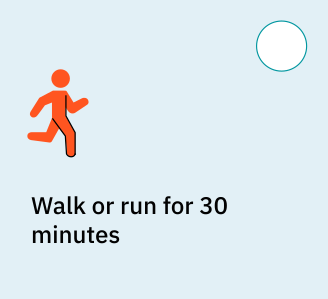
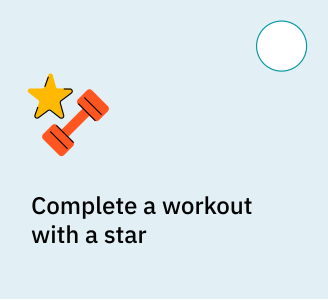
Every week, the service offers participants to complete 12 simple, fun and, at the same time, useful tasks.

The athlete receives a new medal in their collection of awards for completing all the tasks of the week.

AVATAR
BUILDER

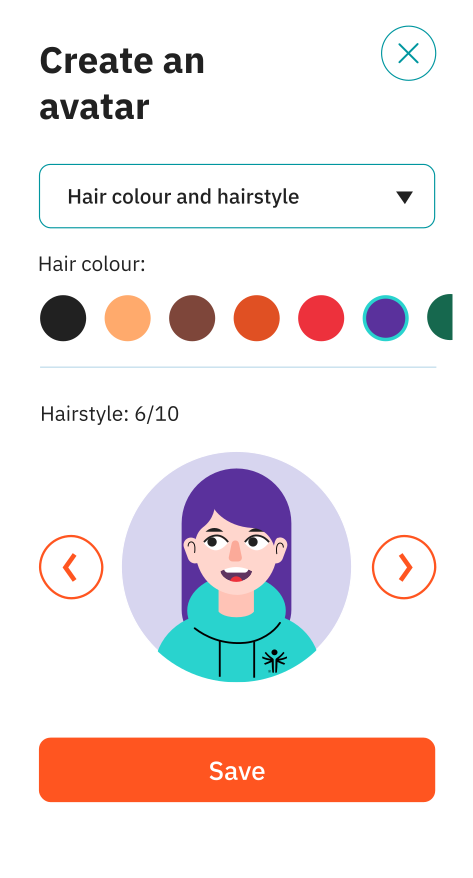
A user can add their photo or create an avatar: choose the facial expression and skin colour, hairstyle and hair colour, clothes and accessories.

PROJECT TEAM

Lena Dvoryashina

designer, illustrator

Ruzanna Babayan

designer

Vanya Zverev

backend developer

Nikita Korshunov

frontend developer

Maxim Smirnov

art director

Tanya Kirpichnikova

project manager

Anya Artemyeva

case study designer

Lyosha Perminov

case study designer

Alexander,
Project Manager,
will shape the project scope
Let’s talk about your business goals

Leave your contact info,
and we'll get in touch shortly

Name:
Email:
Phone:
By clicking the submit button you agree to our Privacy Statement
Sent!
We’ll get back to you soon
Oops! Something went wrong while submitting the form.